Modular connector
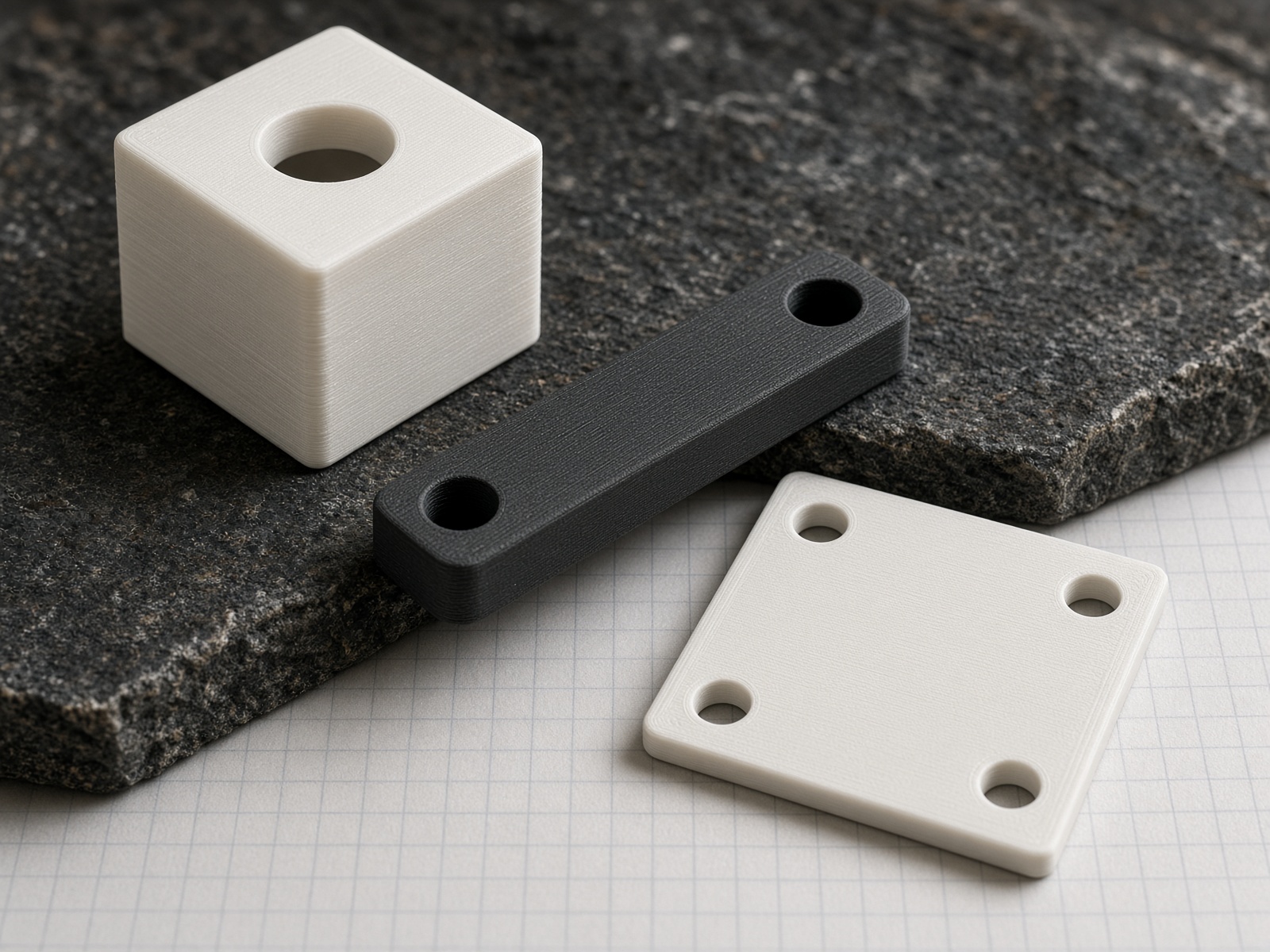
20 × 20 × 20 mm cube, 6 mm through-hole
The atom. Solid + hole + dimension control. First object in the pre-camp CAD session.
Camp Starblock LLC · Northern Minnesota
A family maker camp. You design the first kit piece at home in Tinkercad. You show up already in the iteration loop. Message @Stina_Lotus — no camp email.

Why this exists
Screens. Kits that only go together one way. Adult hands doing the hard parts. We refuse that. The only requirement is to show up with something you made.
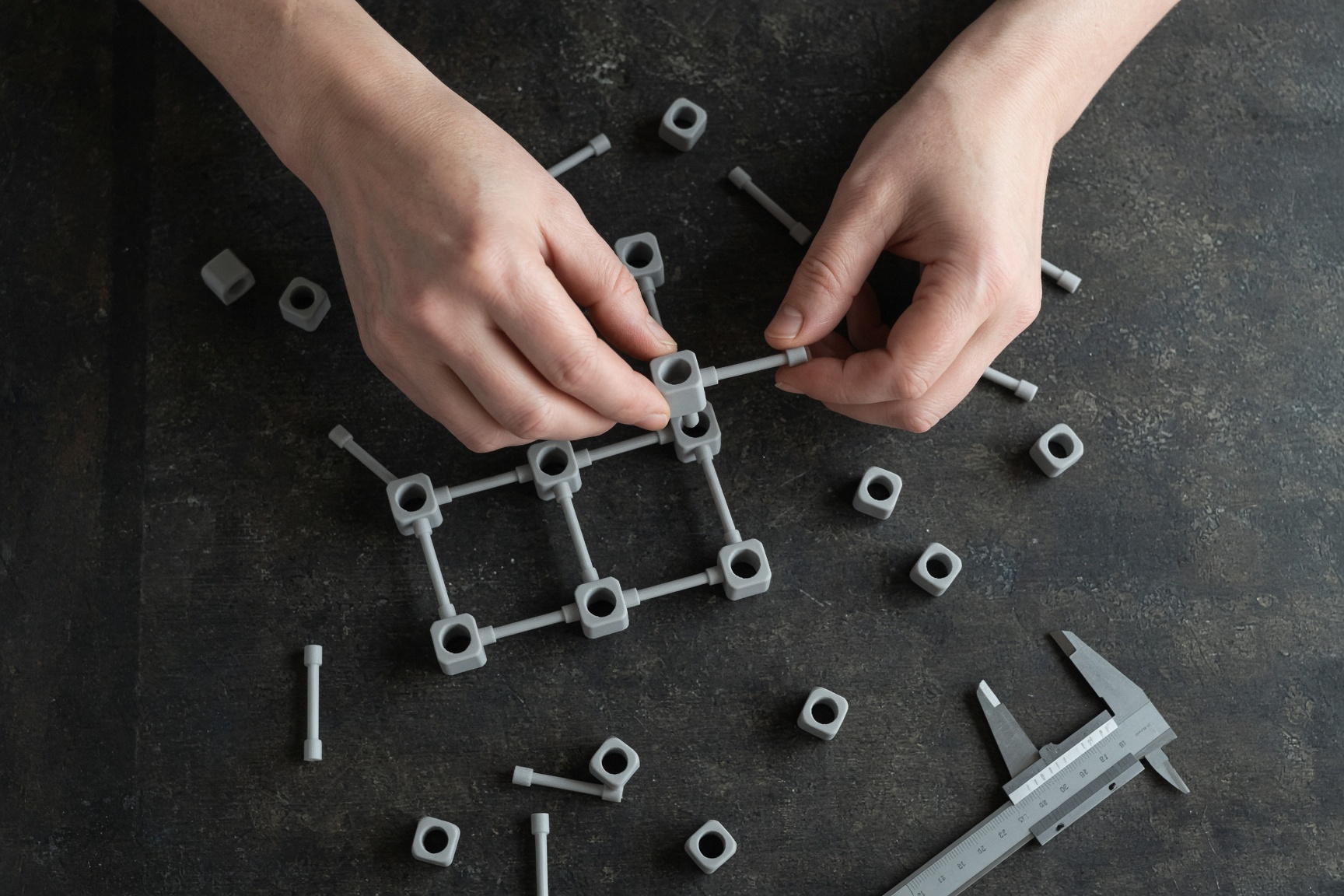
The loop
01
The first kit piece is designed at home in Tinkercad. Parent and child as co-pilots from day zero.
02
At camp we cut, fit, and assemble. Real geometry. Real parts. No entertainment screens.
03
Does the hole fit the rod? Does the lattice stand? The part either works or it does not.
04
Change one dimension. Rebuild. Compare v1 and v2. That is the loop we protect.
First object
20 mm cube. 6 mm hole. Optional second axis. This is the simplest useful object that teaches the core loop.
Connector studio
Same object as the pre-camp CAD. Change a number. Watch the part.
20 × 20 × 20 mm cube, 6 mm through-hole
The atom. Solid + hole + dimension control. First object in the pre-camp CAD session.
Two 6 mm holes at 90°, optional 4 mm counterbore
Turns the cube into a 3-axis joint. Frames and lattices snap in minutes.
80 × 8 × 8 mm beam, holes at both ends
Teaches tolerance. A 2 mm slot lets a second piece slide and lock with a pin.
60 × 60 × 3 mm base, 40 mm hole square
Drop connector and strut onto it. One plate goes home. One stays as the camp reference.
From Canva


4–8
Kid chooses shapes, colors, and names. Keep sessions under 15 minutes. Celebrate the finished object.
9–12
Parent sits as co-pilot. Answers questions. Does not take over.
13–16
Parent can design a parallel piece. Compare notes. Treat it as a shop, not a class.

Northern Minnesota. Hands-on. Small on purpose. If you already live in a build loop — shop, code, flight hardware, farm, studio — this is for you.
Tell us who is coming